
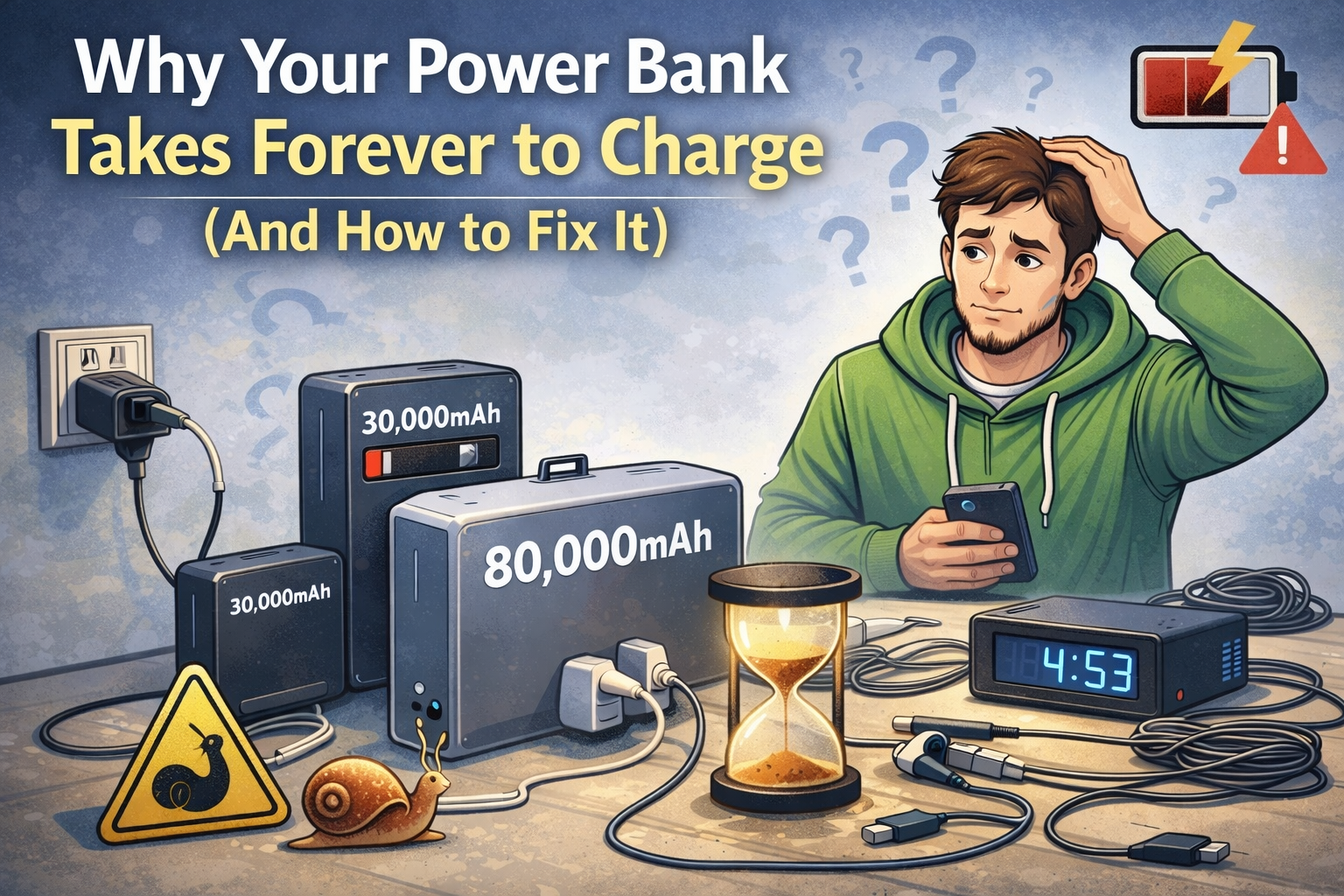
⚡ Why Your Power Bank Takes Forever to Charge (And How to Fix It)
Ever bought a big power bank — maybe 20,000mAh or more — and noticed it takes absolutely ages to charge up?
You’re not mad. You’re not doing anything wrong. It’s just that most people don’t realise how long these things actually take when you’re using an old phone charger or a cheap USB cable.
And in Ireland especially, where we’re often relying on hand-me-down plugs or cables from phones ten years old, it’s no wonder people think their power bank is faulty.
Let’s break it down — what’s actually going on, and what you can do to fix it.
🚫 The Problem: Your Plug Is Slowing Everything Down
Here’s the usual setup:
Someone buys a 20,000mAh or 30,000mAh power bank… and then plugs it into the tiny little plug that came with their iPhone 6.
That plug probably puts out 5W, maybe 10W at best. Charging a big power bank with that is like trying to fill a swimming pool with a paper cup. It’ll work — but you’ll be there all night.
End result? You’re looking at 8 to 12 hours or longer just to get it full.
⚙️ What You Actually Need to Charge It Faster
If you want decent charging speed, you need two things:
- 🔌 A fast wall plug — ideally 18W, 20W, or 30W+
- 🔗 A solid cable — none of those frayed ones from 2012
The newer banks usually support USB-C with PD (Power Delivery). That lets the power bank pull more current and refill itself much quicker.
Example: A 20,000mAh bank with PD can charge in 4–5 hours.
The same bank with a 5W plug? Could take 12+ hours easy.
⚠️ But Not All Power Banks Support Fast Input
Some banks just don’t support fast charging — even if you use a decent plug and cable.
Look for banks that mention:
- ✅ “PD input” or “USB-C input 18W+”
- ✅ Specs like “5V/3A”, “9V/2A”, “20W input”
- ✅ Words like “Fast charge input” in the listing
If it only says “5V/2A” or only charges through micro USB, it’s going to be slow no matter what you do.
📱 Your Phone Case Can Slow Wireless Charging Too
If you’re charging your phone wirelessly, the charger or power bank is only half the story. Your phone case matters as well.
A thick, cheap, badly fitted case can weaken the connection between your phone and the wireless charger. That means slower charging, more heat, and the phone sitting there for ages without gaining much battery.
For best results, use a MagSafe-friendly case if you’re using an iPhone with MagSafe or a wireless charging setup. A proper MagSafe-compatible case helps the phone line up correctly with the charger, which gives you a stronger connection and better charging efficiency.
Same idea applies for Samsung phones too — you want a slim, wireless-charging-friendly case that doesn’t block the charge or make the phone heat up for no reason.
If your case is too bulky, has a thick metal plate, or doesn’t sit flat, don’t be shocked when wireless charging performs badly. That’s not the power bank’s fault. That’s a bad setup.
For clean, MagSafe-friendly and wireless-charging-friendly phone cases, check out the cases from BuyCases.ie:
⚠️ Real Talk: Don’t Trust USB Wall Ports or Laptops
Plenty of people say things like:
“I left it plugged in overnight and it’s still not full.”
Turns out they were using:
- ⚠️ The built-in USB port on their wall socket (low power)
- ⚠️ A laptop port that can barely charge a phone, never mind a 20k+ mAh battery
Use a proper plug. With a proper cable. That’s it.
⏱️ How Long Should Charging Take?
Here’s a rough idea — using the right gear vs. the wrong gear:
| Power Bank Size | Slow Charger (5W) | Fast Charger (18W–30W PD) |
|---|---|---|
| 10,000mAh | 5–6 hours | ~2.5 hours |
| 20,000mAh | 8–10 hours | ~4–5 hours |
| 50,000mAh | 12–18 hours | ~7–8 hours (if PD supported) |
🛒 We’ll Be Stocking the Right Gear Soon
We’ve had enough people ask us about this that we’re going to start stocking proper USB-C wall plugs, PD chargers, and high-speed cables — from solid budget options to premium brands.
They’ll be live on the site soon. If you’re stuck now and not sure what to use, drop us a message — we’ll tell you straight what works and what’s worth avoiding.
✅ Quick Recap (No Tech Nonsense)
- 🔋 Your power bank’s probably fine — your plug or cable is the issue
- ⚡ Use a fast wall charger (18W+) — bonus points for PD
- 💻 Don’t bother with laptop ports or USB wall sockets — too slow
- 📦 Some banks don’t support fast charging at all — check before buying
- 📱 For wireless charging, use a MagSafe-friendly or wireless-charging-friendly case so your phone lines up properly and charges more efficiently. (We recommend buycases.ie)
- 🛍️ We’ll have the proper fast-charging gear soon — or ask us now and we’ll point you in the right direction